Scripture Reading
Written Guide
Planning Center
In Planning Center, scripture reading is typically done by a speaker from the audience, or it's something put in by a worship leader.
In this case, it's added between a few songs, and was labeled "Responsive Reading"
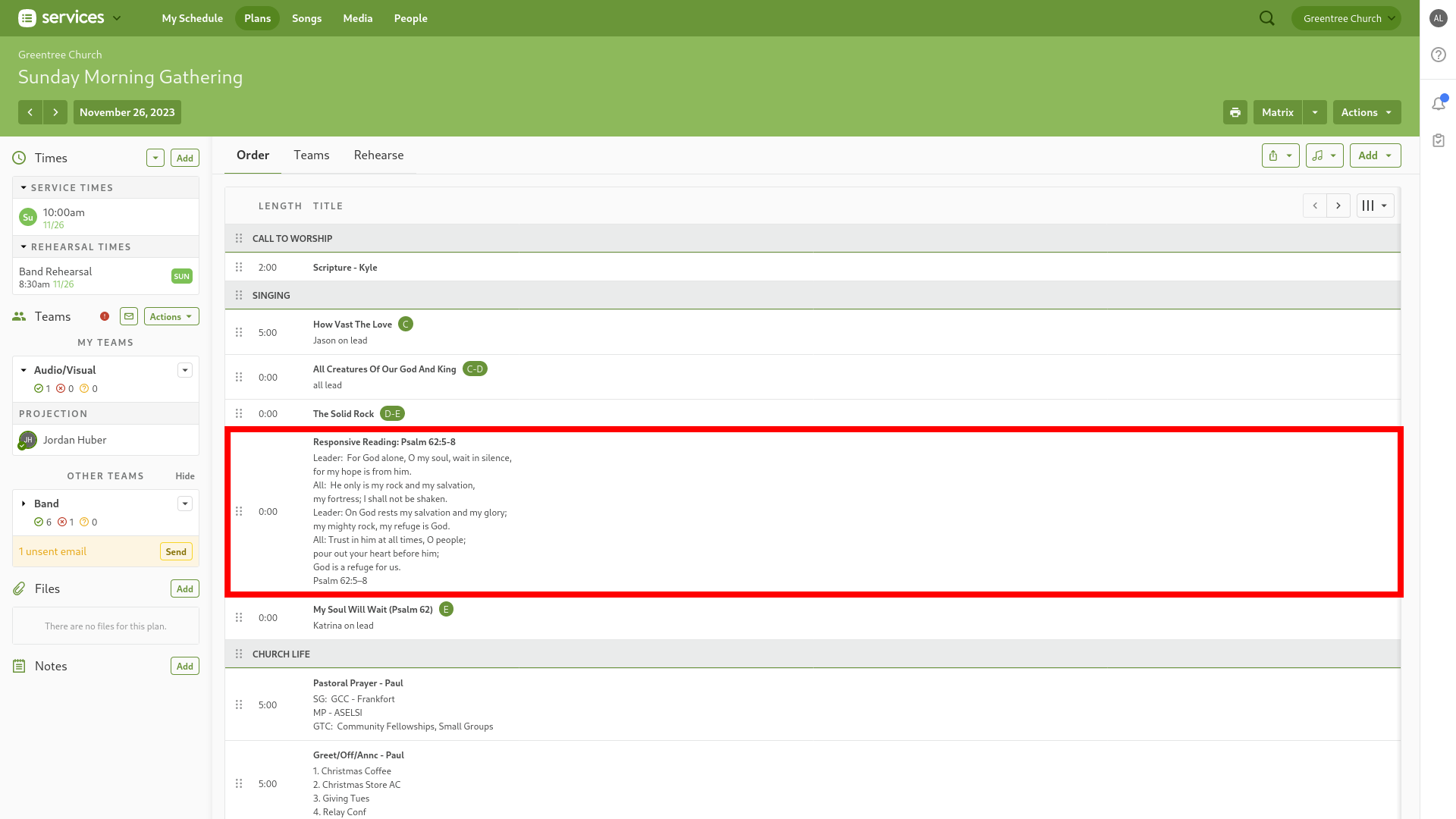
Click on the item to get more detail if needed.
All we really need is the scripture they're referencing, which can be in the title AND the description.
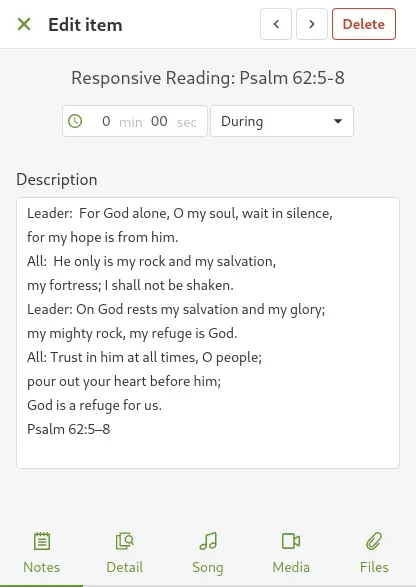
OR the info may only be in the title.

Either way, copy the scripture as needed.
ProPresenter
In Planning Center, navigate to the Sermons Library.
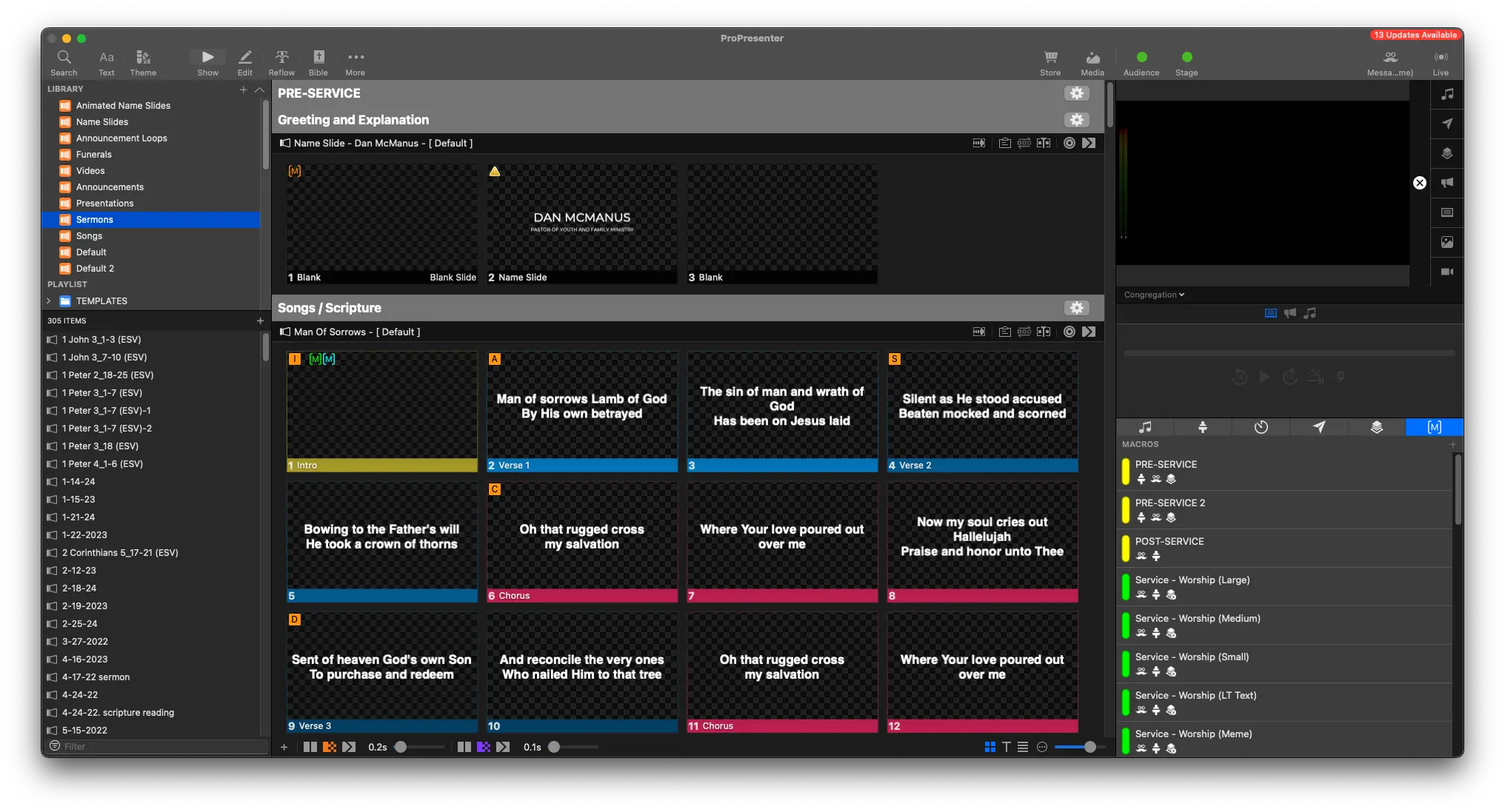

In the bottom left of the playlist view, look for the search box
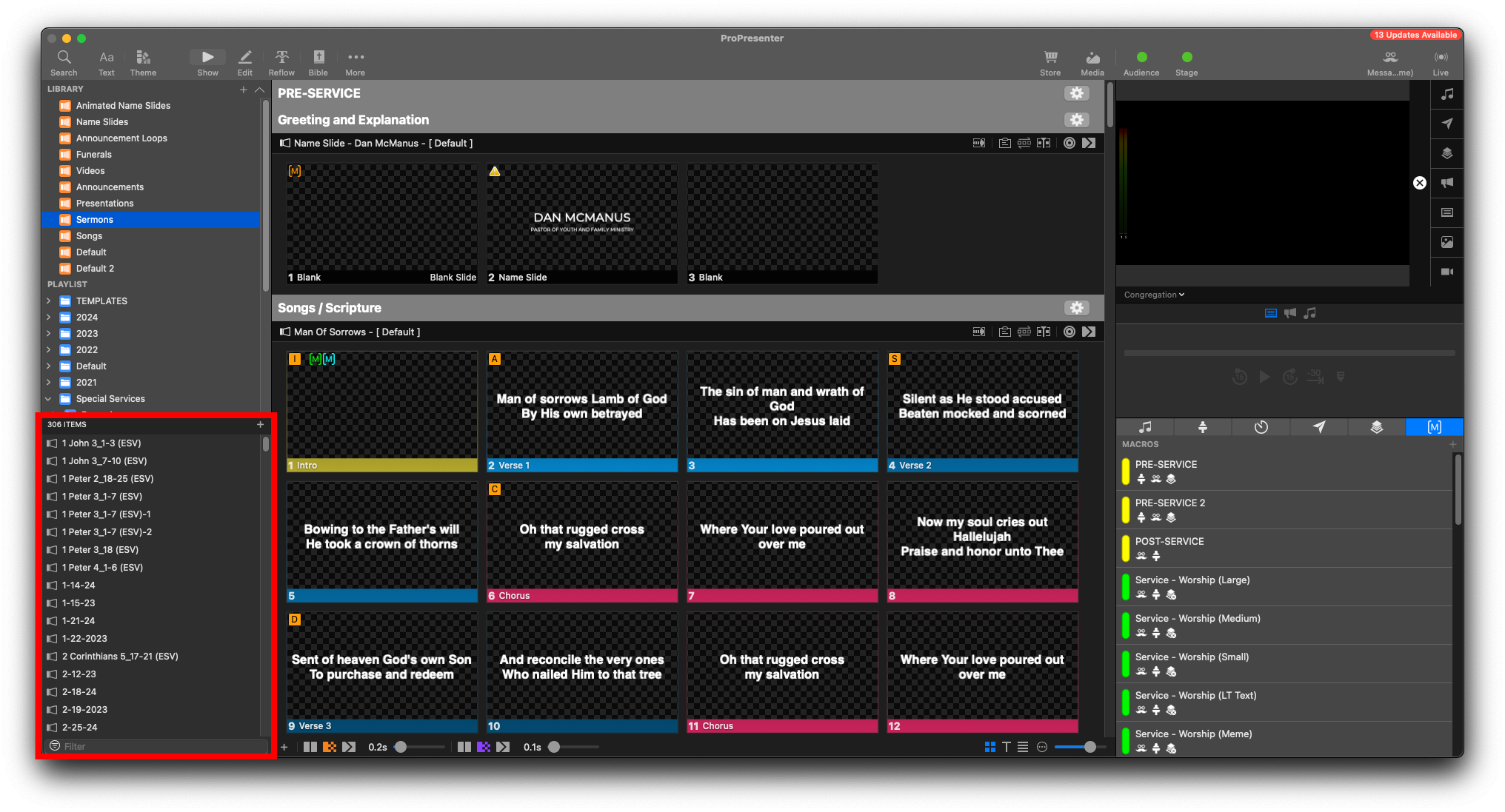
Search for Template

Duplicate the Scripture Reading Template
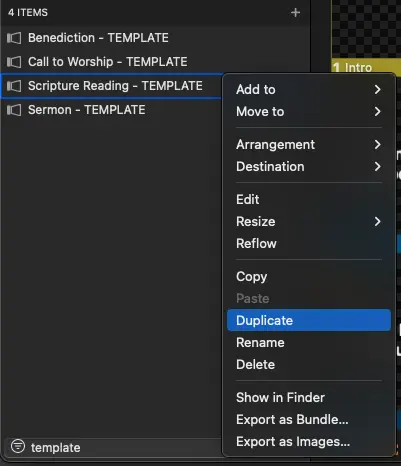
Right Click the copied template, and select Rename
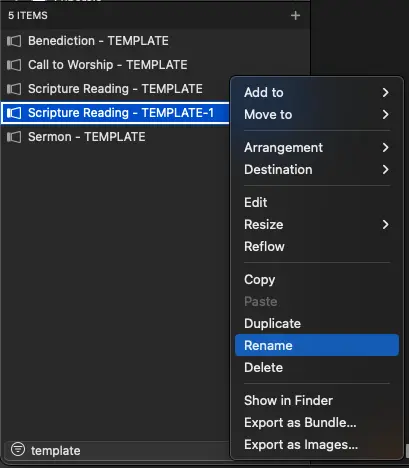
Rename it to be relevant to the current event

Add the event name or date to the end of the scripture. This will make searching for it far easier.
From the Toolbar at the top, select Bible
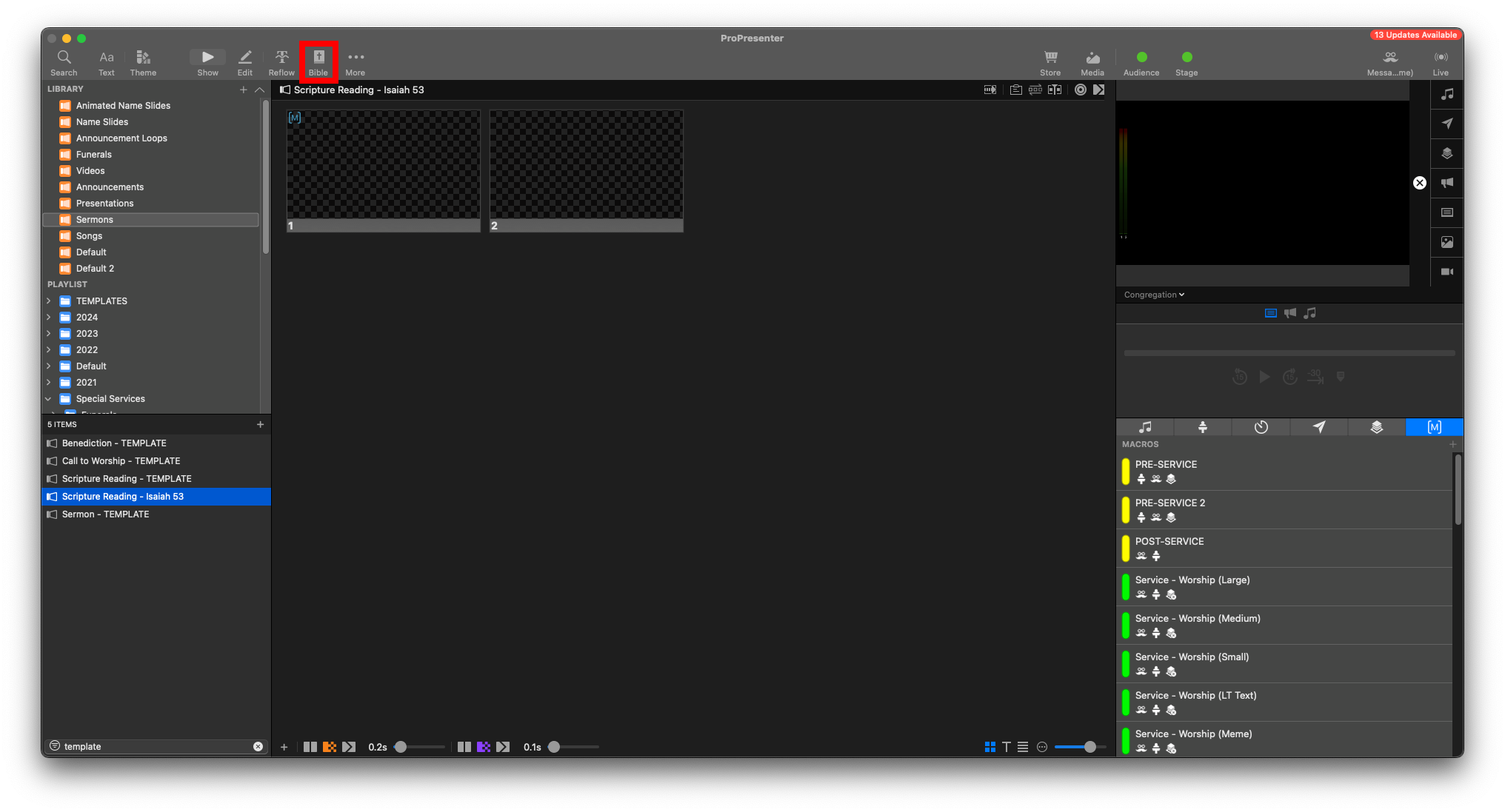
This will bring you to the Bible Page
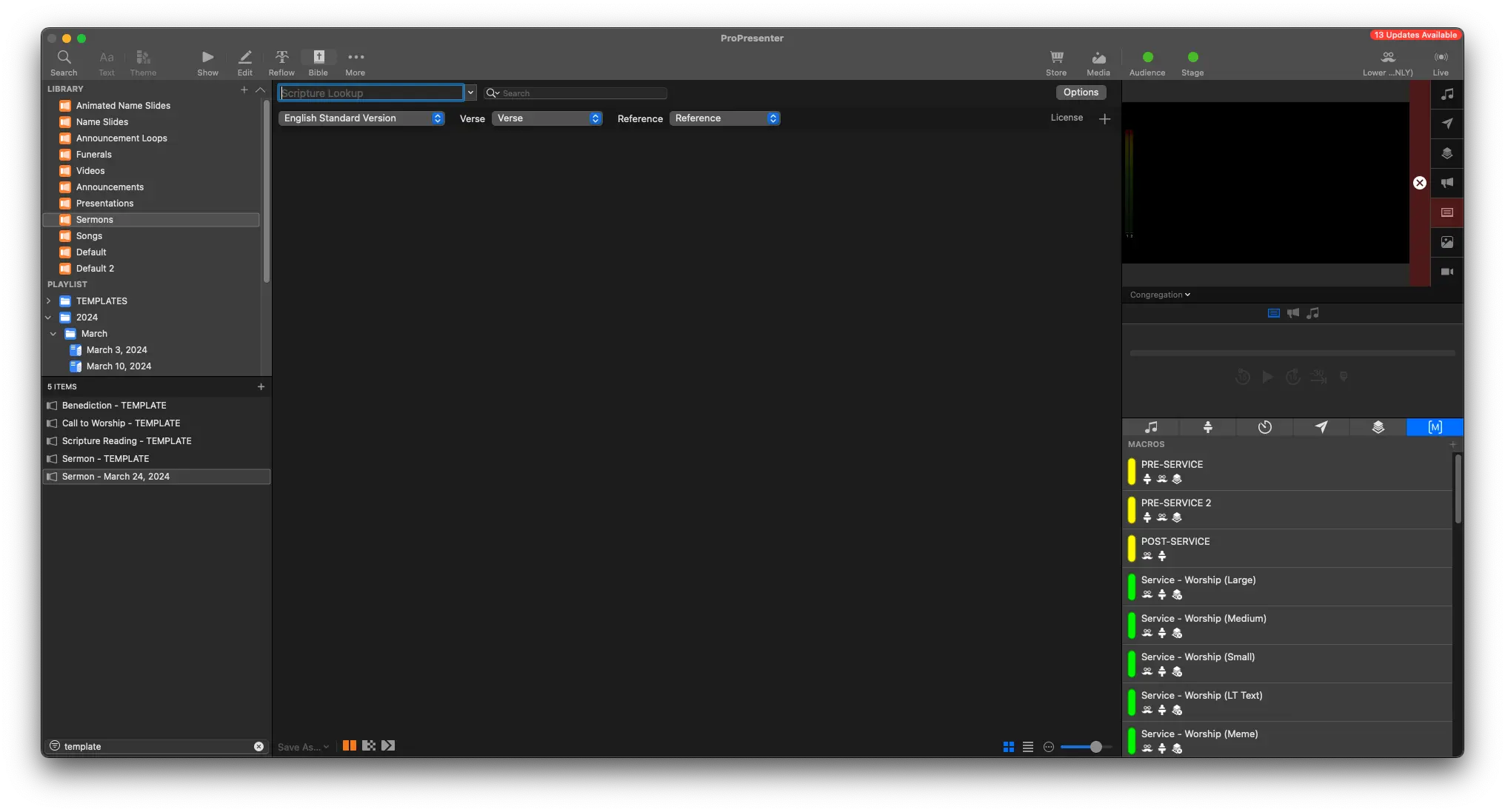
Paste in the scripture to the search bar at the top
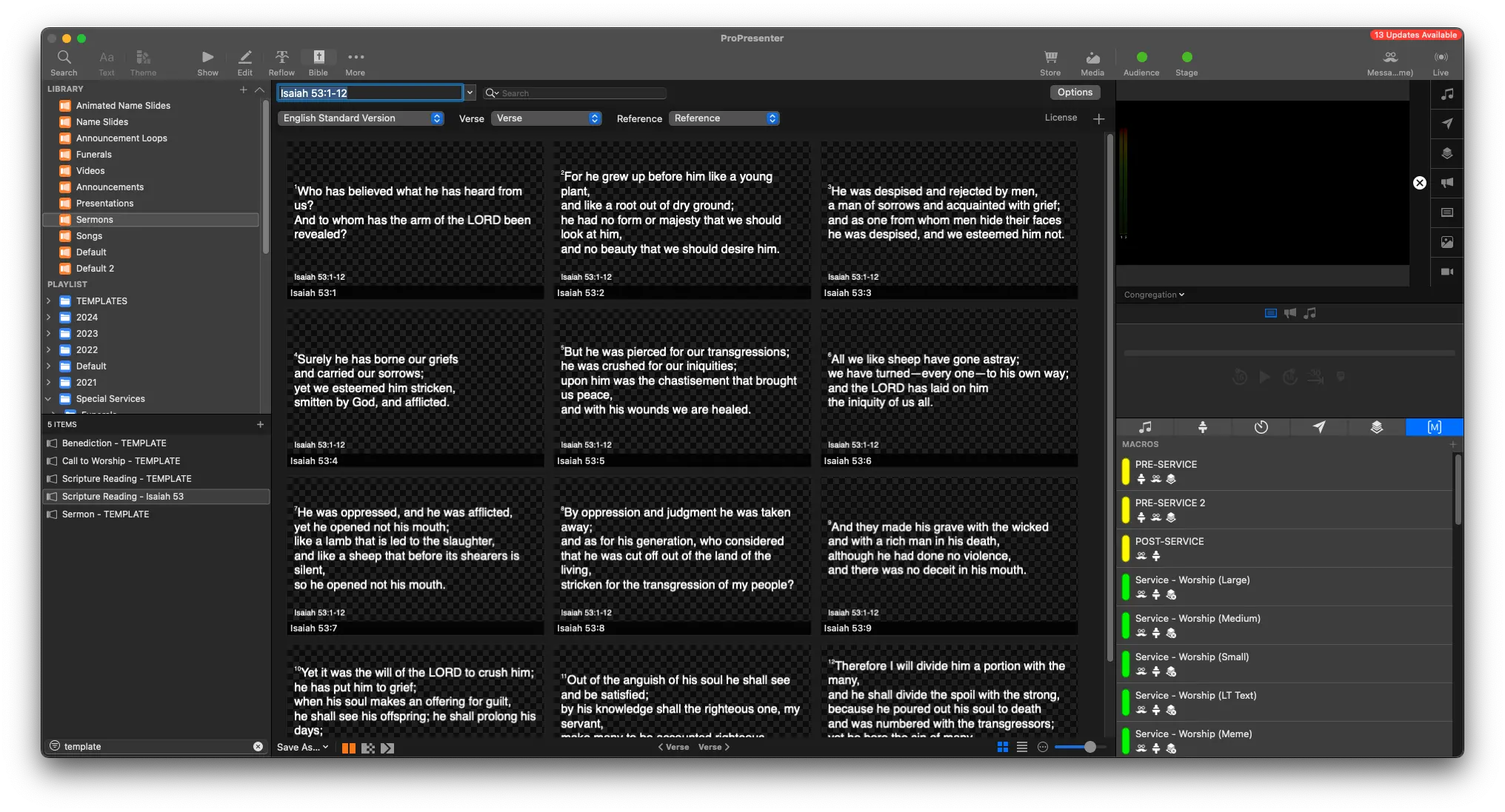
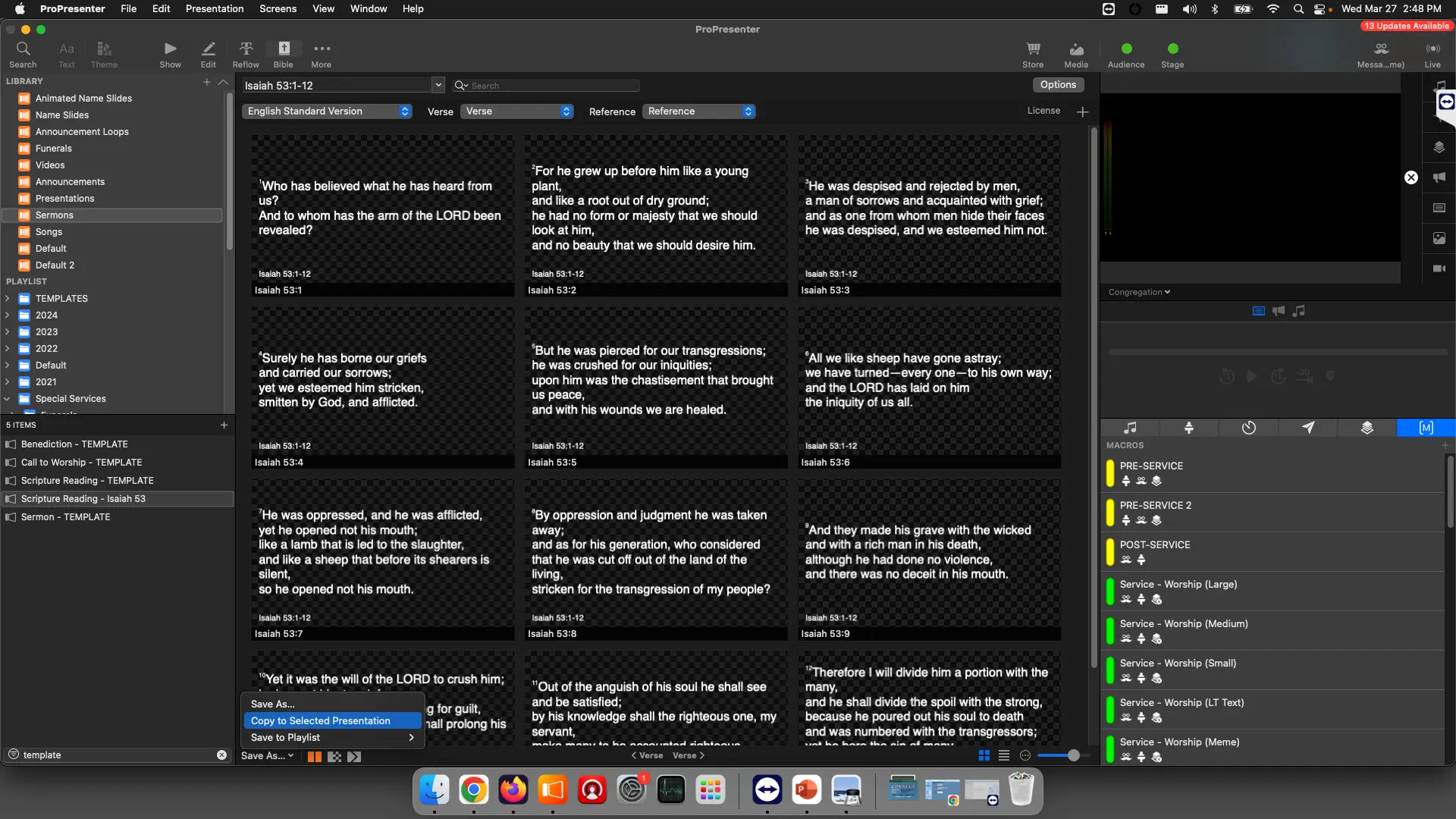
Make sure the scripture reading is selected from the Playlist View With the scripture reading selected, at the bottom left, select
Save As -> Copy to Selected

From the Toolbar, you can select Show with the Play icon to get back to the show view
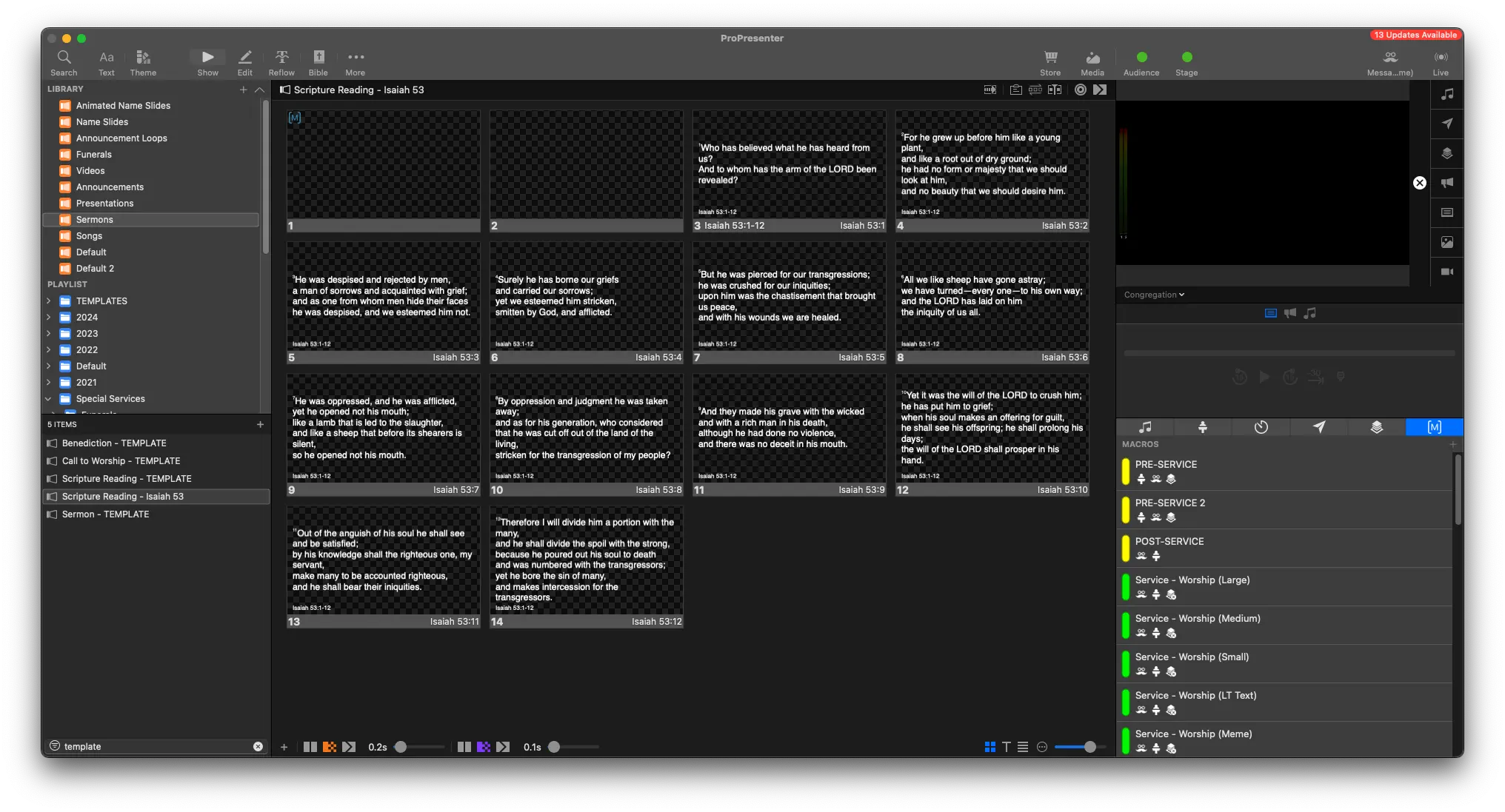
Move the blank slide to the end of the scripture
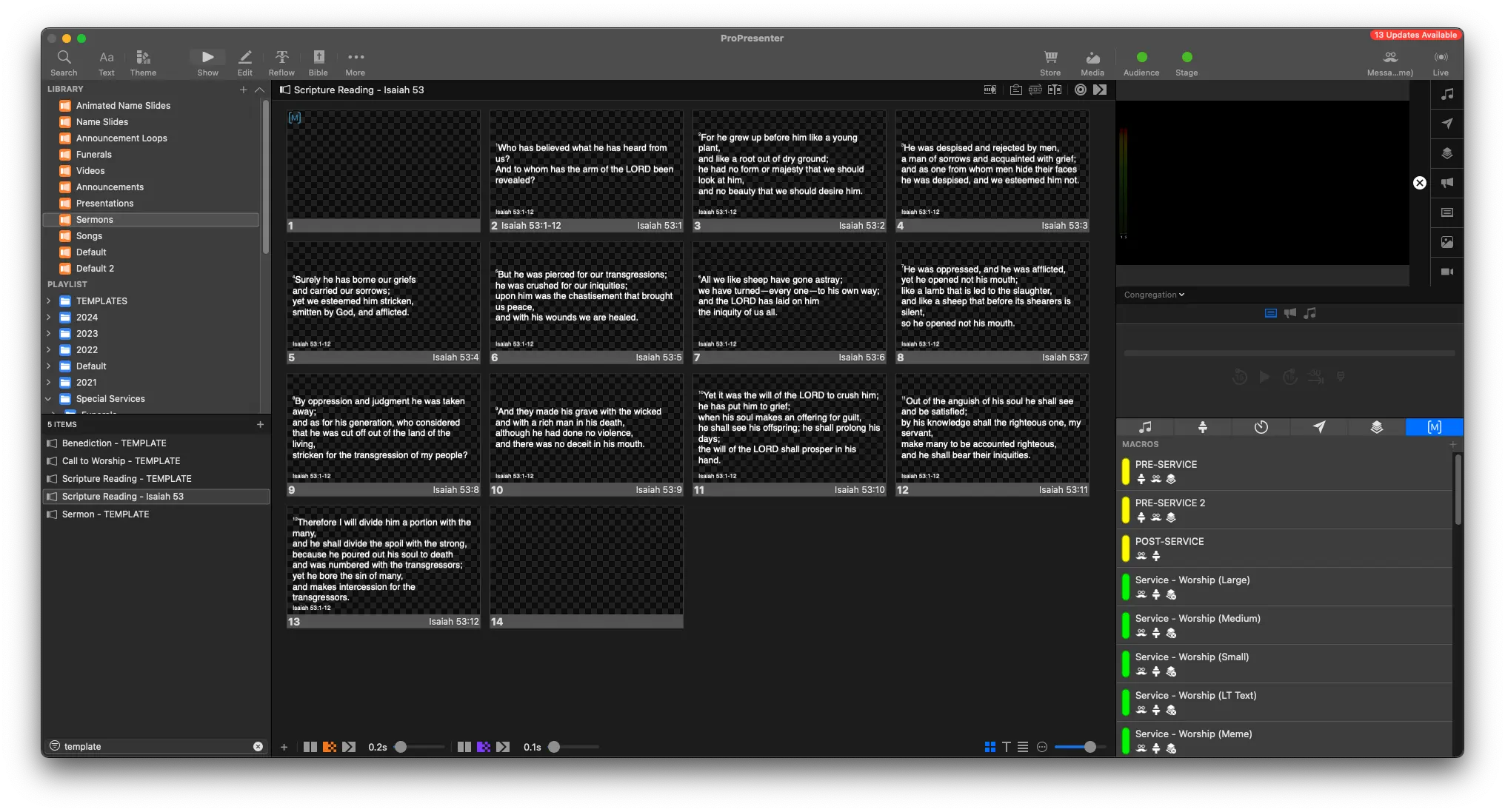
That's it! 🎉
You can now go back to the correct Playlist, and look up the name of the event
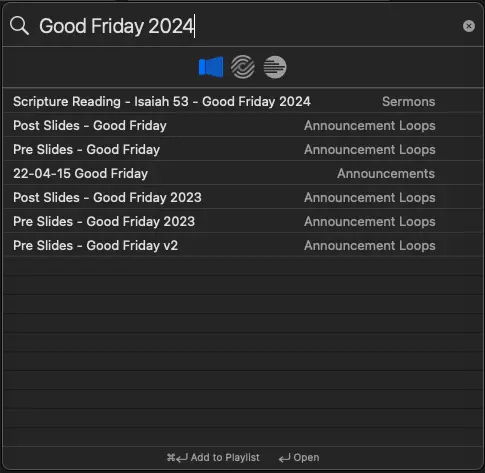
Drag and drop the scripture into the correct place in the playlist.