Funerals
Written Guide
Prep
The media for a funeral service is provided morning of the service, and usually consists of a picture or video slide show. Other videos, such as music videos for worship, may be requested but are infrequent.
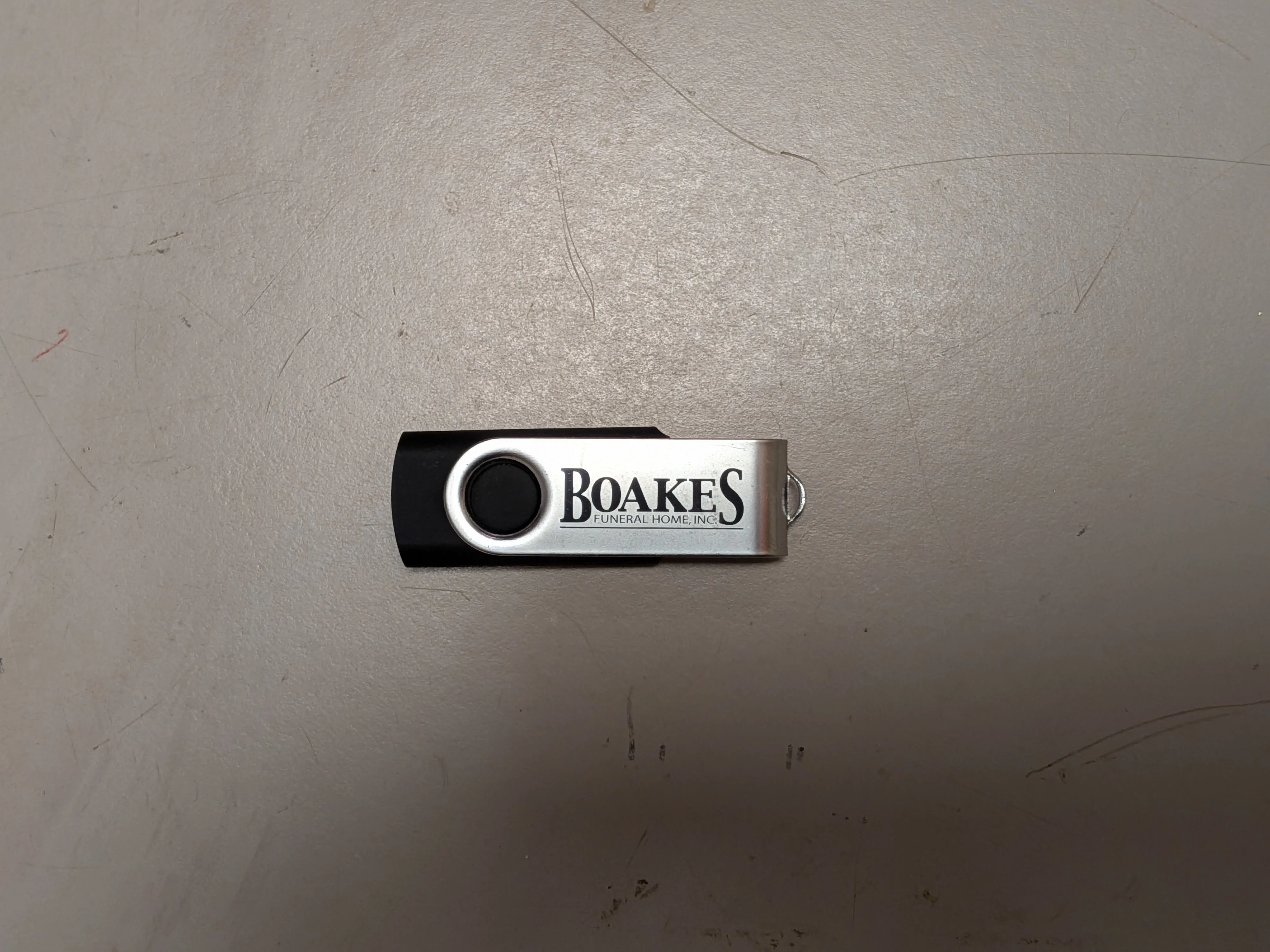
Media is provided in two ways, either via USB flash drive or DVD. A USB from the funeral home is normally provided.
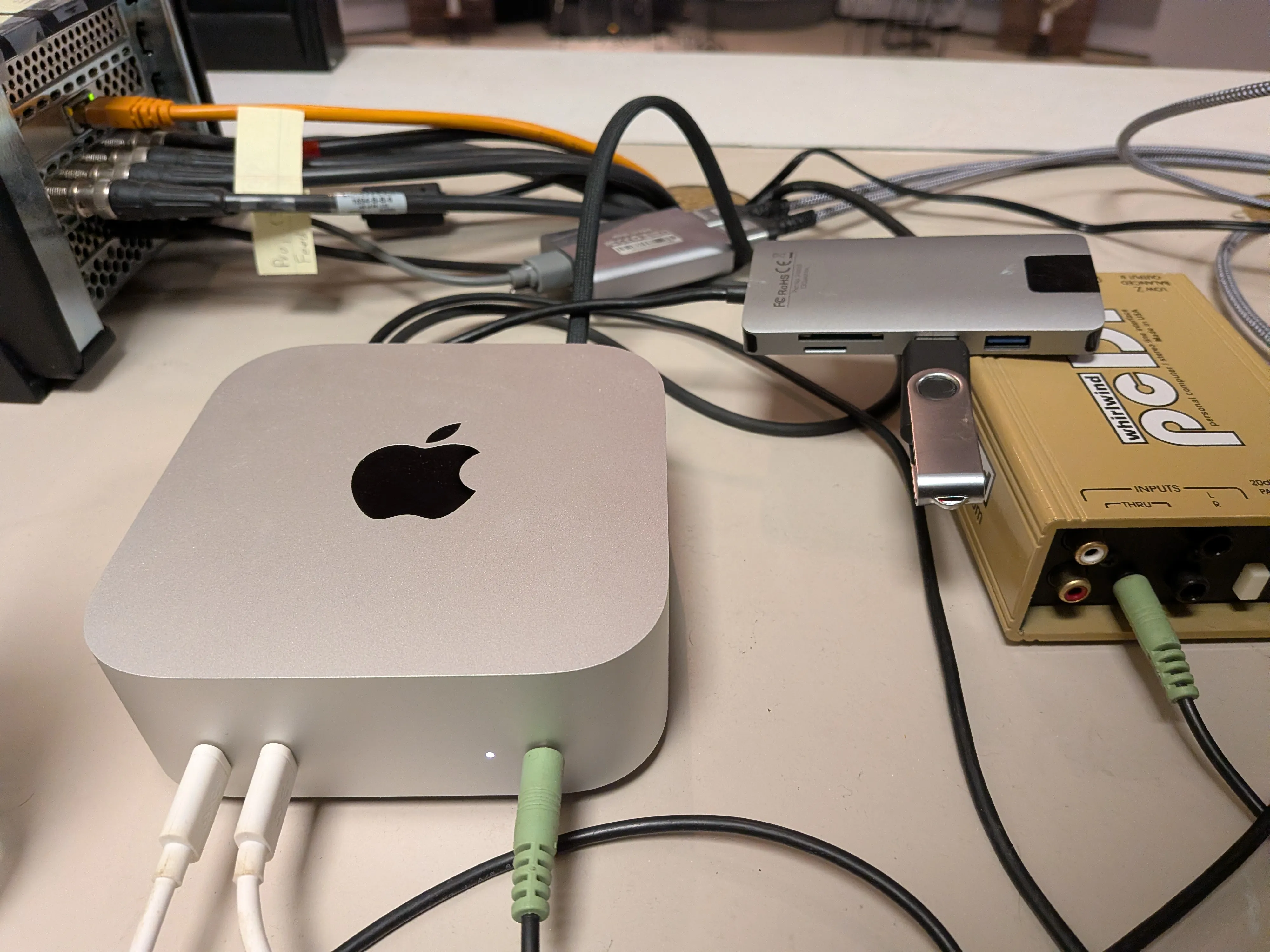
Plug the USB flash drive into the Mac's USB port. A USB dongle is normally plugged in with ports available.
File Explorer
Open Finder from the dock, and navigate to the USB Flash Drive in the on the navigation pane on the left. This will be under
Locations -> Flash-Drive-Name (normally Untitled)
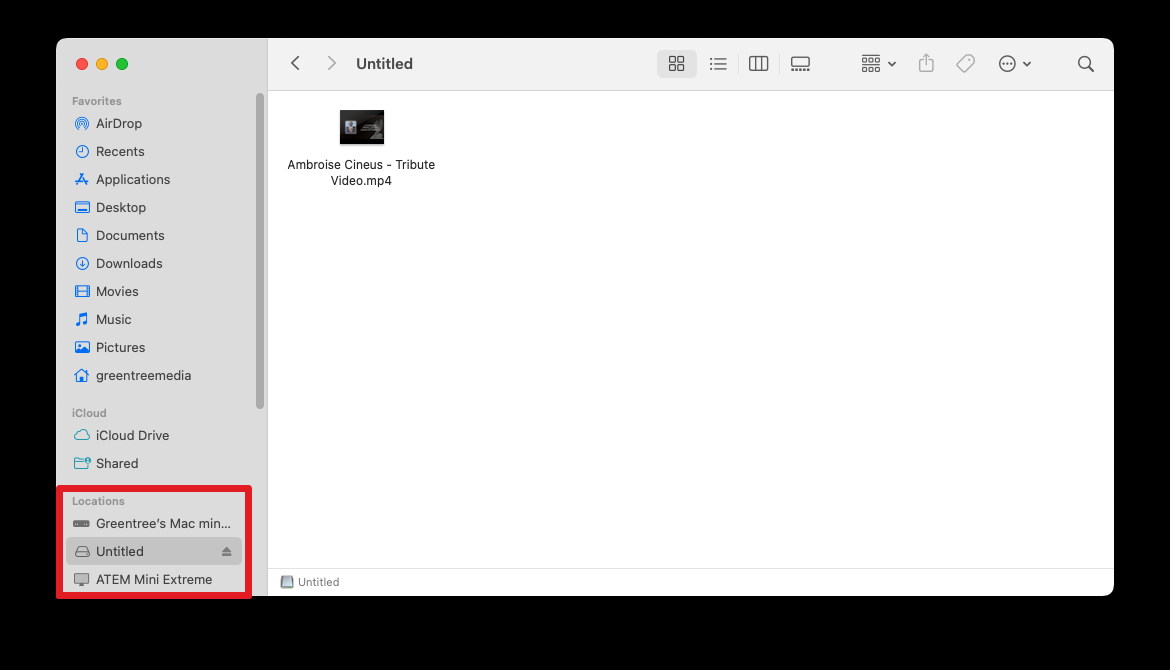
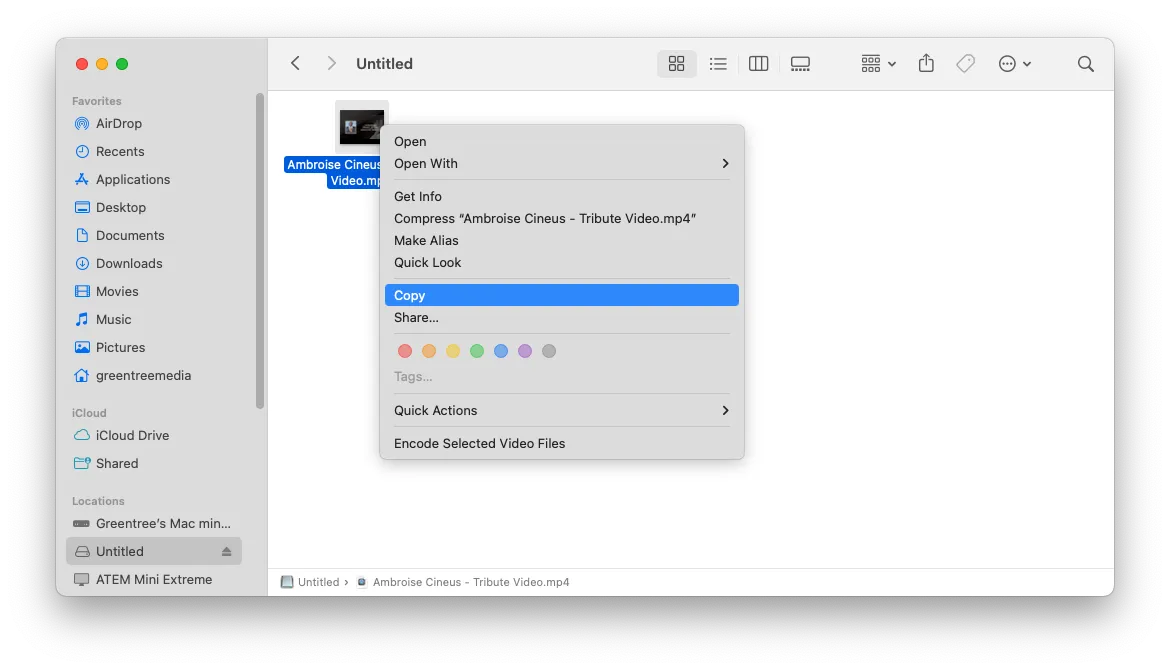
Right click the media from the flash drive, select Copy.
On the left pane, navigate to Movies -> Funerals. Paste the file here, or ideally in a folder named after the funeral event.
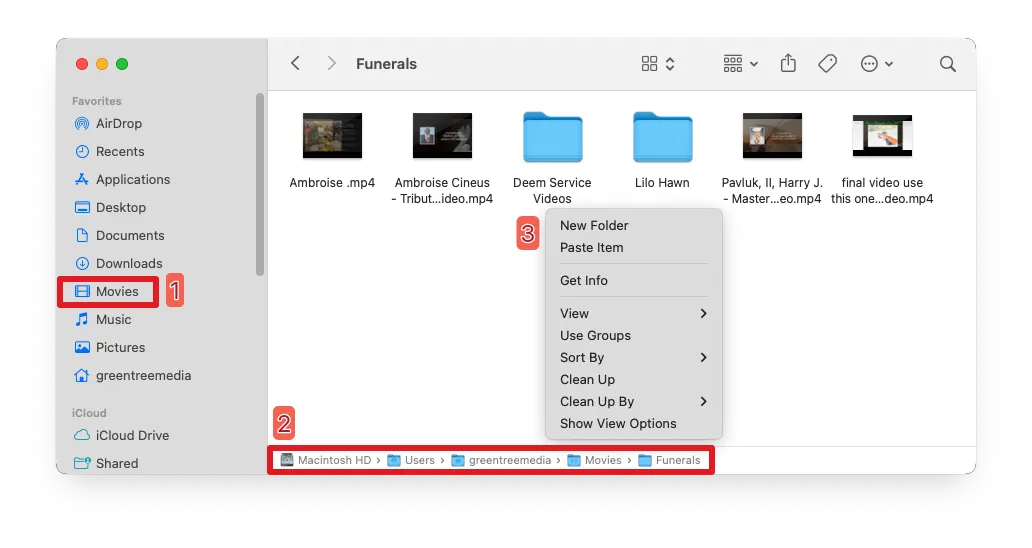
Take note of the file name of the video. We'll need it later when adding it in Playlist. You may want to rename the file if needed.
ProPresenter
- In ProPresenter, create a new playlist for the funeral.
Under Playlists in the top left panel, navigate to
Special Services -> Funerals -> Current Year
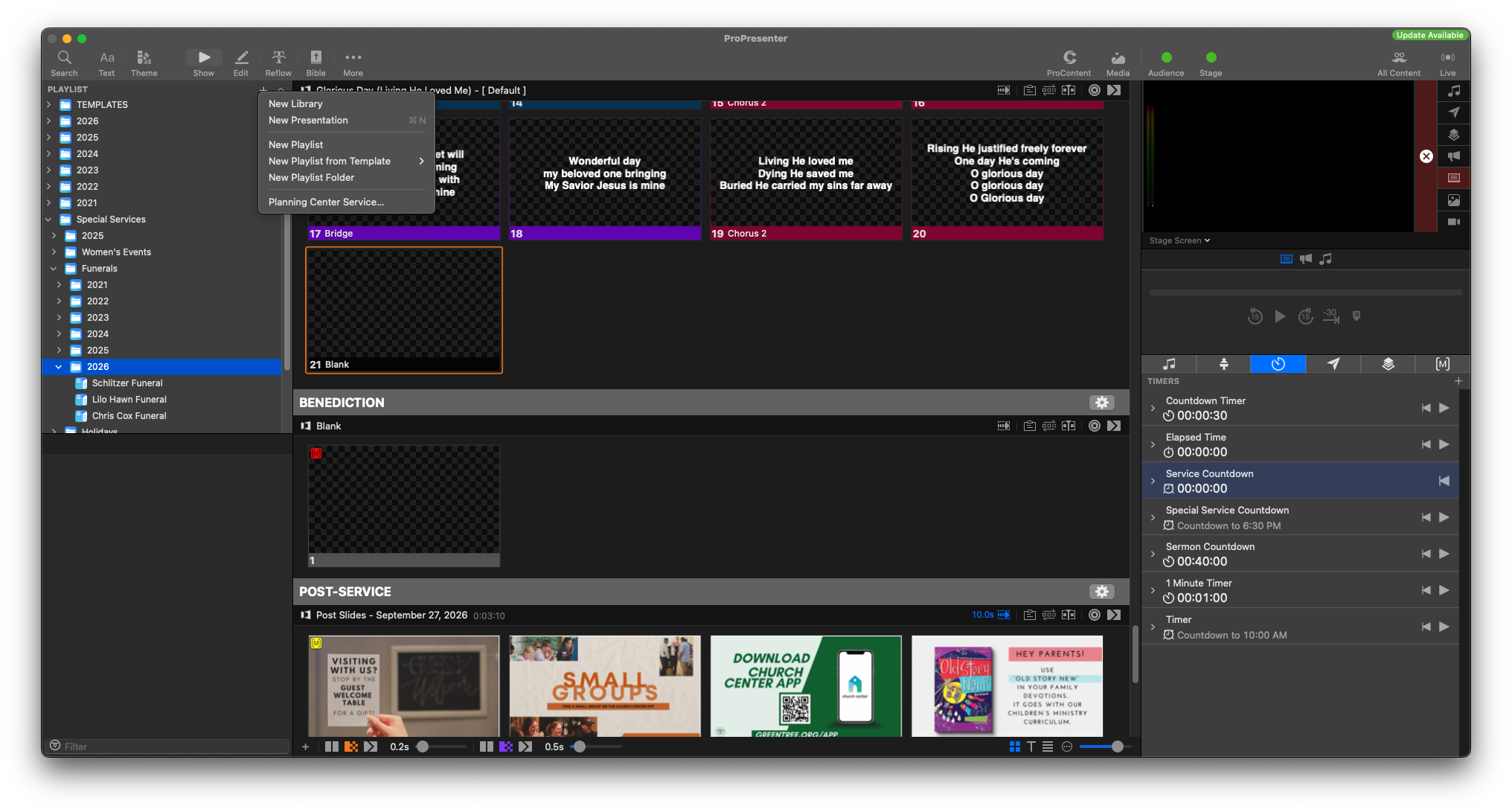
Select the + icon in the Playlist panel and select Create New Playlist.
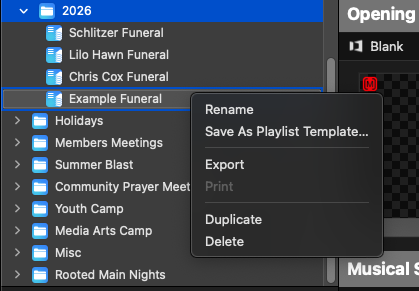
Right click and rename the playlist to the name, or date, of the funeral event.
- Add headers to the playlist to organize the service.
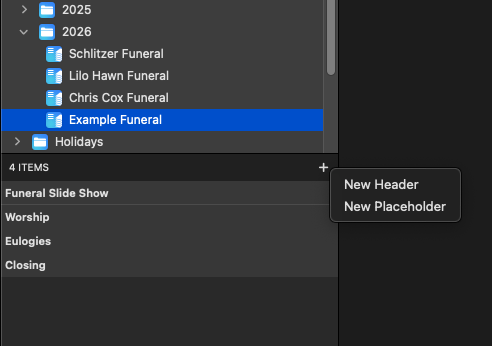
- From the top pane, select the Media icon to open the media panel.
On the left sidebar in the media panel, navigate to Funerals.
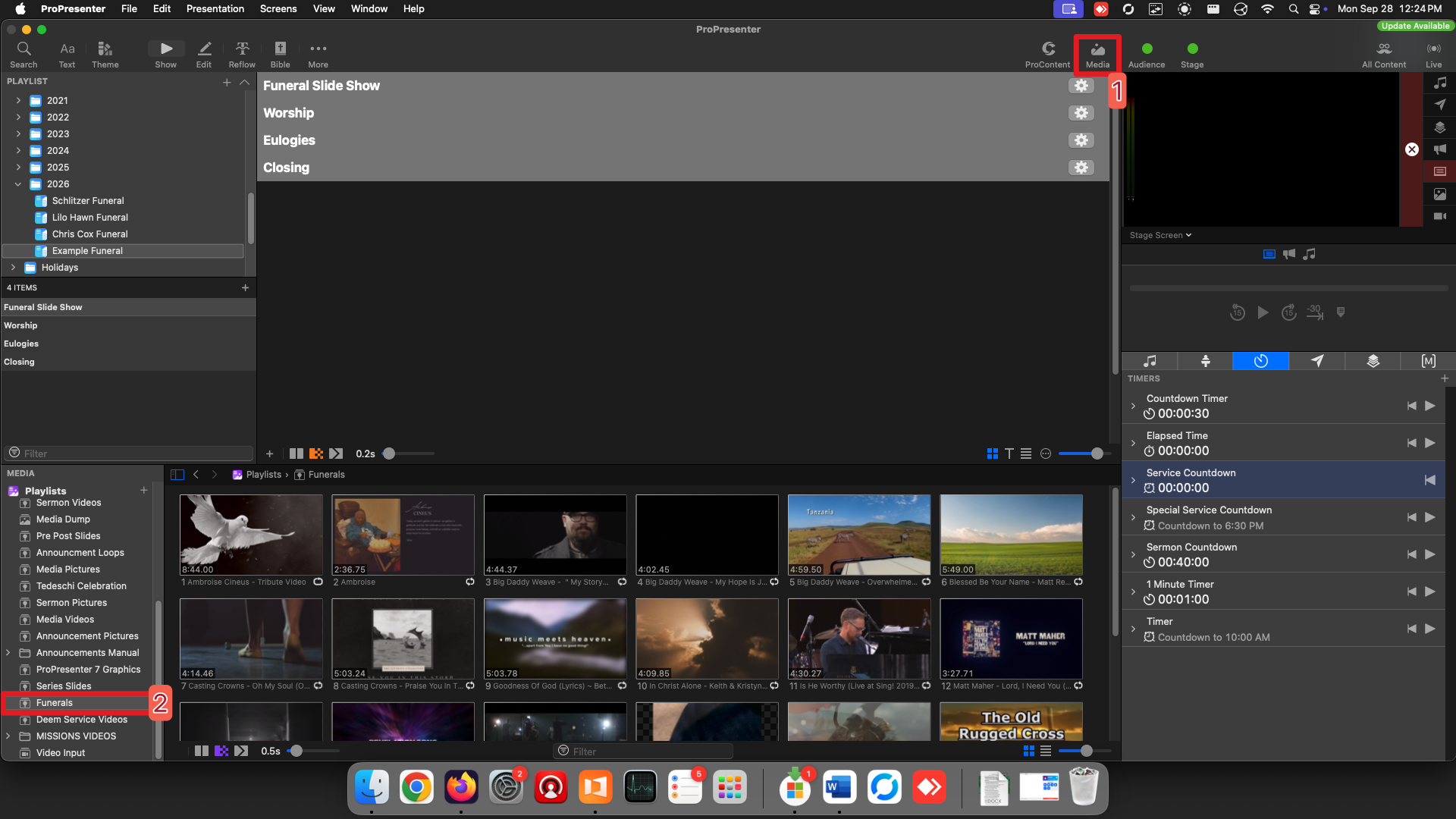
This shows all the media inside the Funerals folder where we placed our video, including subfolders, which is why there are many videos.
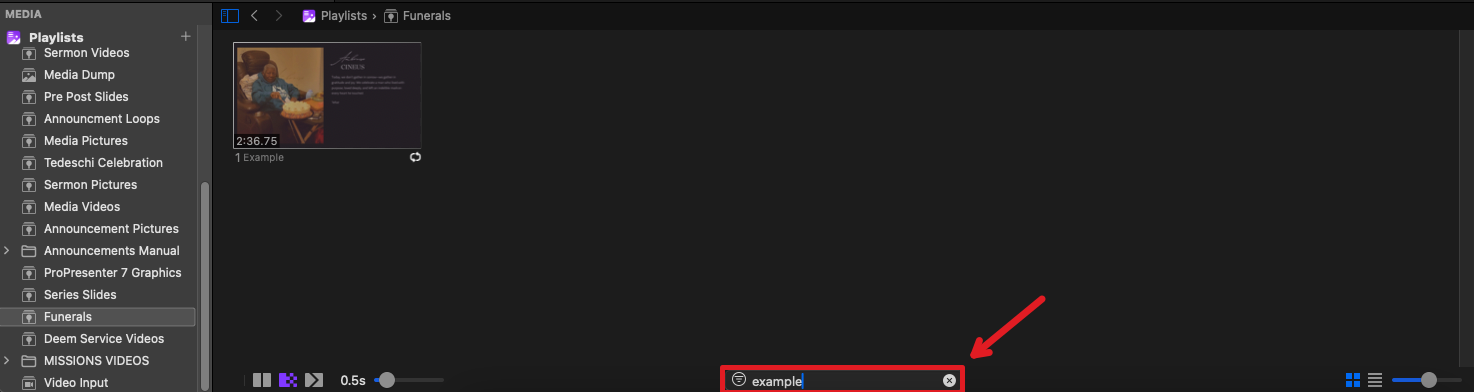
Use the search filter at the bottom of the Media panel to search for the file name of the video.
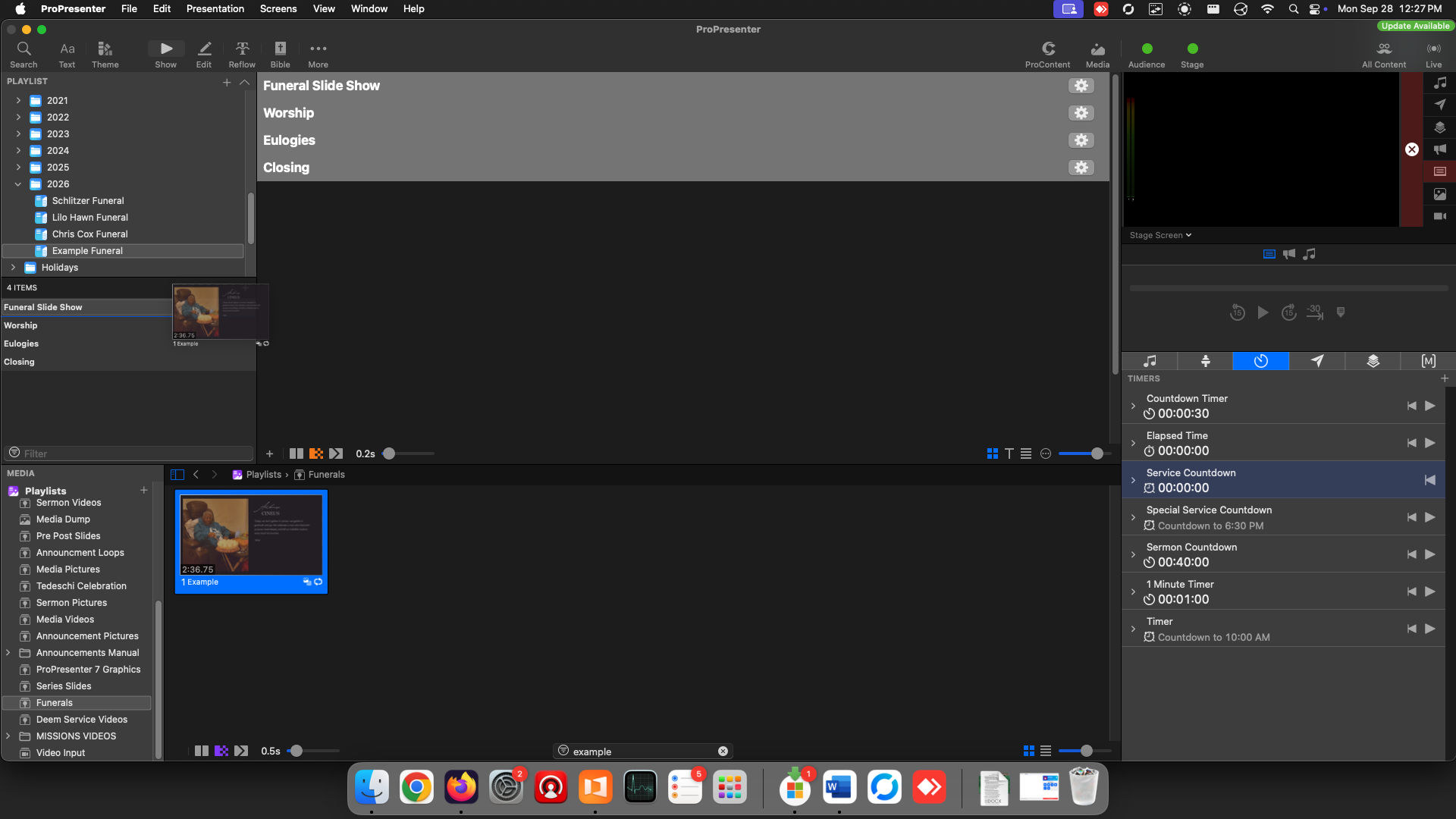
- Click and drag the video from the media panel into the funeral playlist.
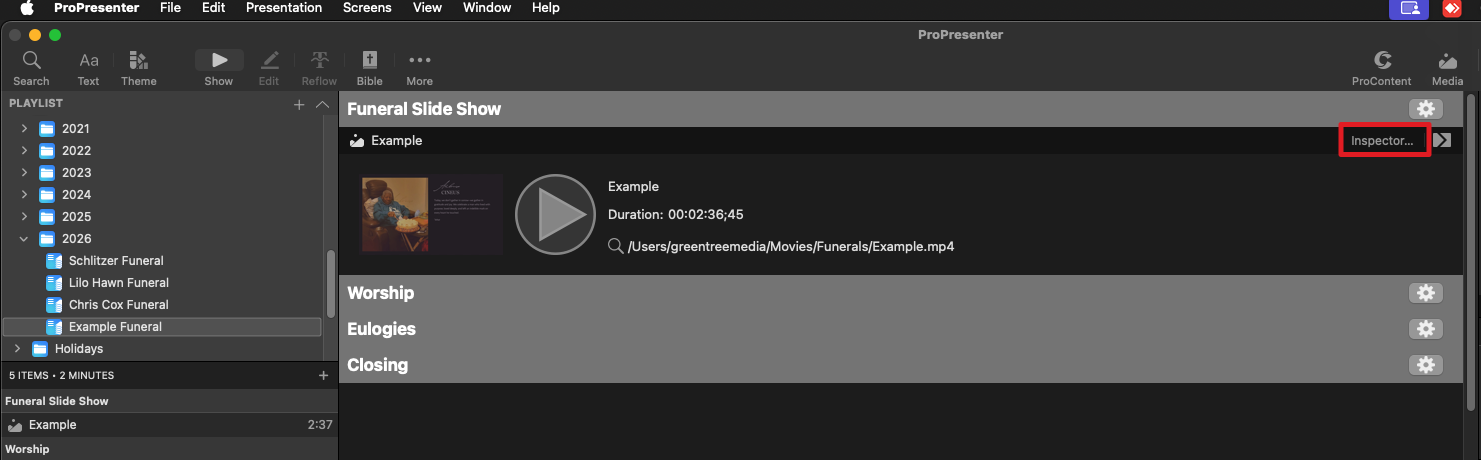
- With the media added to the playlist, click the Inspector button to open the Media Inspector of the video.
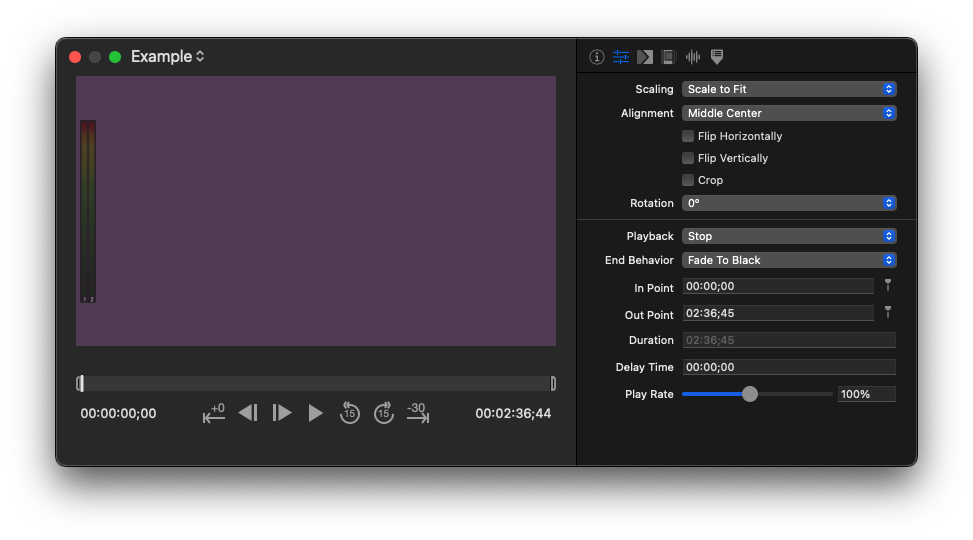
- In the Inspector panel, in the 2nd tab (Properties), make sure the video is set to
Playback - Stop
End Behavior - Fade to Black
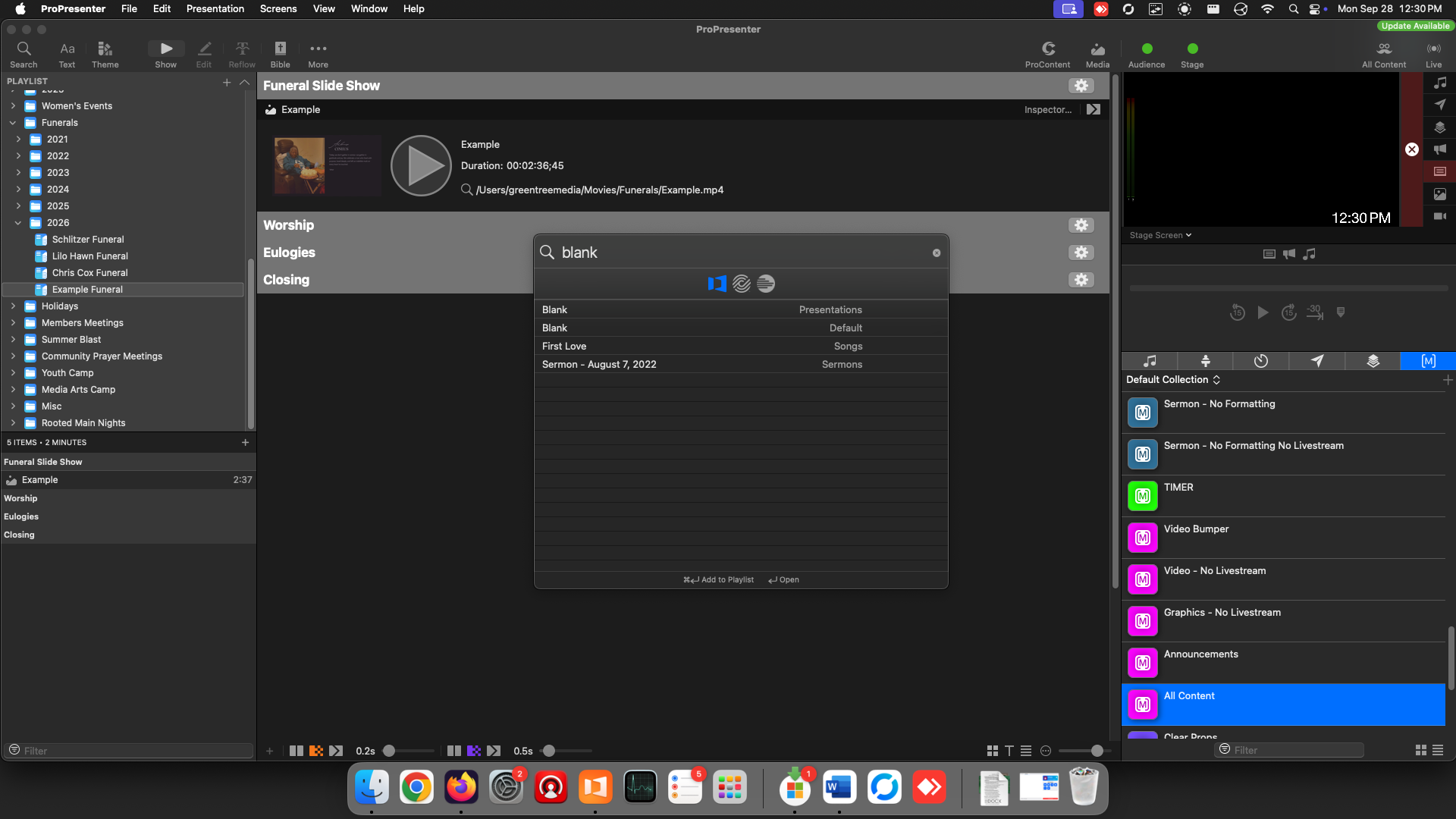
- For empty times during the service, use the Search button to add Blank slides from the presentations libraries. This clears the screen of all content.
Result
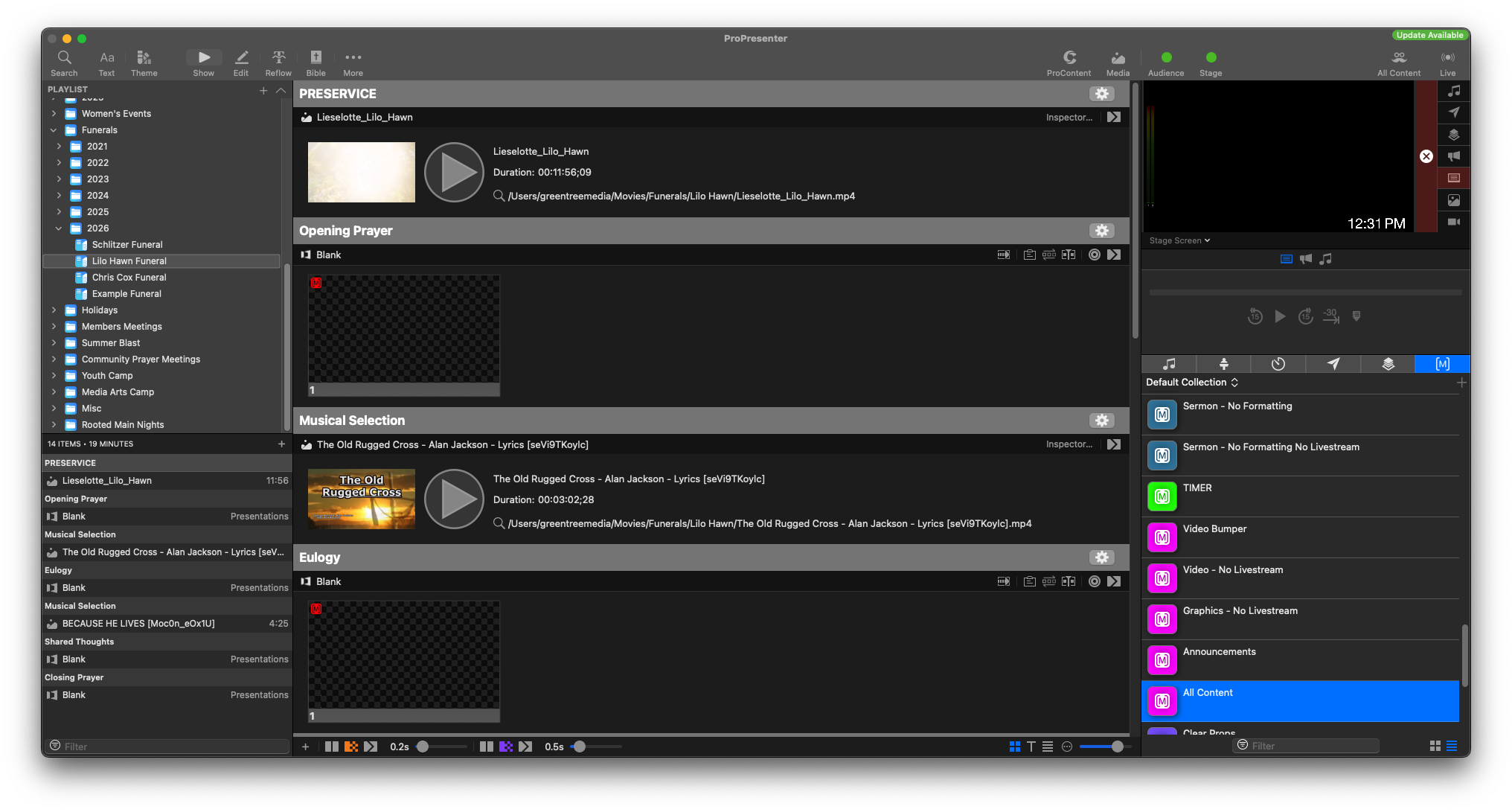
Following these steps, here's what a complete funeral service may look like.